
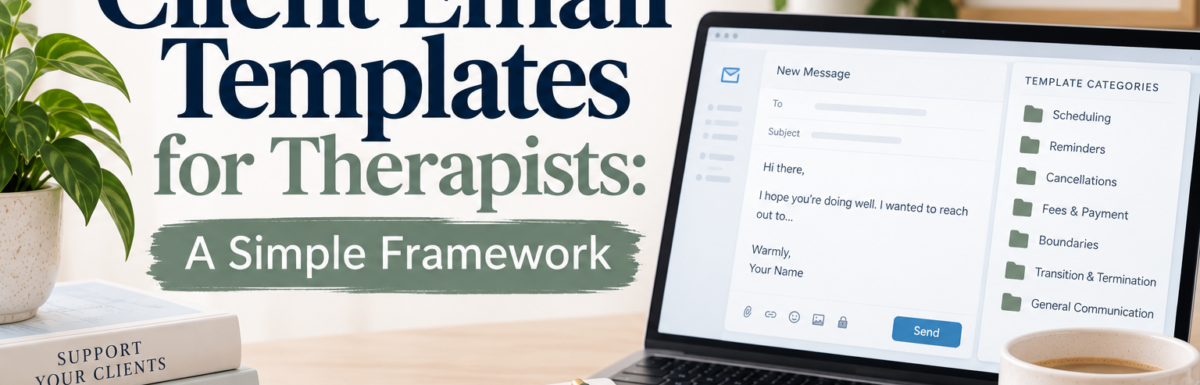
If you’ve ever rewritten the same appointment reminder for the tenth time this month, you already know the problem: you’re not writing new emails, you’re rewriting the same handful of decisions over and over. A template fixes that. Write it once, save it, fill in the details, send.
This isn’t about clinical writing. It’s about the administrative side of running a practice — scheduling, intake, billing, reminders — and doing it in a way that respects your clients’ privacy and doesn’t accidentally turn email into a place for clinical content it was never meant to hold.
Quick answer: A good client email template has five parts — a neutral subject line, a warm greeting, one clear purpose, one clear next action, and a privacy/emergency boundary line. Build a template for each recurring situation once, save it, and reuse it with placeholders like [First Name] and [date] swapped in each time.
What client email is for (and what it isn’t)
Email is a fine tool for coordinating care: scheduling, intake reminders, billing questions, portal directions. It’s not the place for therapy content, crisis communication, or detailed clinical information — even when a client brings it up there first.
A few ground rules worth building into every template you write:
- Use your practice’s approved, secure email or portal system, not a personal account.
- Include only the minimum information necessary for that one purpose.
- Keep subject lines neutral. No diagnoses, no treatment details, no sensitive topics.
- Route anything clinical or highly private to your secure portal instead. If you’re using SimplePractice‘s client portal messaging, this is exactly the kind of thing it’s built for — routine administrative messages stay in email, anything more sensitive moves to the portal instead. That one distinction will save you from having to think through the privacy question every time you sit down to write.
- State plainly that email isn’t monitored continuously and isn’t for emergencies.
If you’re still deciding on an email provider itself, see my guide to Best HIPAA Email for Therapists.
(This isn’t legal or compliance advice. Adapt every template to your own licensure rules, state privacy laws, and informed consent documents before you use it.)
The 5-part framework
Every reusable template follows the same shape:
- Neutral subject line — describes the action, not the content (“Appointment reminder,” not “Reminder: Paperwork Needed”)
- Warm greeting — brief and personal
- One clear purpose — a single administrative reason for the email
- One explicit action — what you want the client to do, and by when
- Privacy/emergency boundary — a short line clarifying that email isn’t for urgent matters, when appropriate
That’s it. Once you’ve internalized this shape, writing a new template takes minutes instead of starting from a blank page.
Email categories worth building a template for
You don’t need a template for every possible message, but these eight cover the bulk of routine practice communication:
- Initial inquiry response — a prospective client reaches out; the template directs them to book a consultation without inviting clinical detail by email.
- Consultation/appointment confirmation — date, time, format, and what to do next.
- Intake paperwork reminder — a nudge to complete forms in your secure portal before the first session.
- Rescheduling — offering alternative times when a client needs to move an appointment.
- Cancellation (from you) — a brief, non-personal notice with next available times.
- No-show follow-up — checking in without asking for an explanation or discussing the missed session’s content.
- Payment reminder — pointing to the portal for balance and payment, without account details in the email itself.
- Insurance information request — asking for documents through the portal rather than as email attachments.
Build a template for whichever of these come up most often in your practice, and you’ve covered most of your recurring admin email in a single afternoon.
A safeguards checklist to build into every template
Before you finalize a template, run it against this list:
- Does the subject line avoid any clinical or sensitive language?
- Is every piece of information in the email actually necessary?
- Does it direct anything private to the secure portal instead of email?
- Does it name what email is not for (crisis, urgent matters)?
- Would you be comfortable if this exact message were somehow seen by someone other than the client?
If a template fails any of those, it needs another pass before you save it.
Let AI help you write the first draft
Once you know the framework, an AI writing tool can draft a template for you in seconds — you just need to know what to ask for. The key is asking for a template, not a filled-in message: leave placeholders like [First Name] and [date] in place rather than having the AI invent details, so what you get back is something you can save and reuse indefinitely.
I put together a free worksheet and a set of ready-to-use AI prompts — one for each category above, plus a master prompt you can adapt to any situation — to make this even faster.
FAQ
Can therapists email clients under HIPAA?
Yes, with reasonable safeguards. Use an approved platform, limit what you disclose, and route anything sensitive to a secure portal instead.
What should never go in a client email?
Diagnoses, treatment details, clinical content, or anything you wouldn’t want visible to someone other than the client.
How many templates do I actually need?
Start with the two or three you send most often. You can always add more as new situations come up.
Next step
Writing the framework once and building a small library of templates around it means you’ll never rewrite the same email from scratch again. If you want a head start, the free Script Builder & Prompt Kit above walks you through building your own — or if you’d rather skip straight to finished templates, the full 17-script library has them ready to customize.
